
How can I make a backup of the Proform Database?
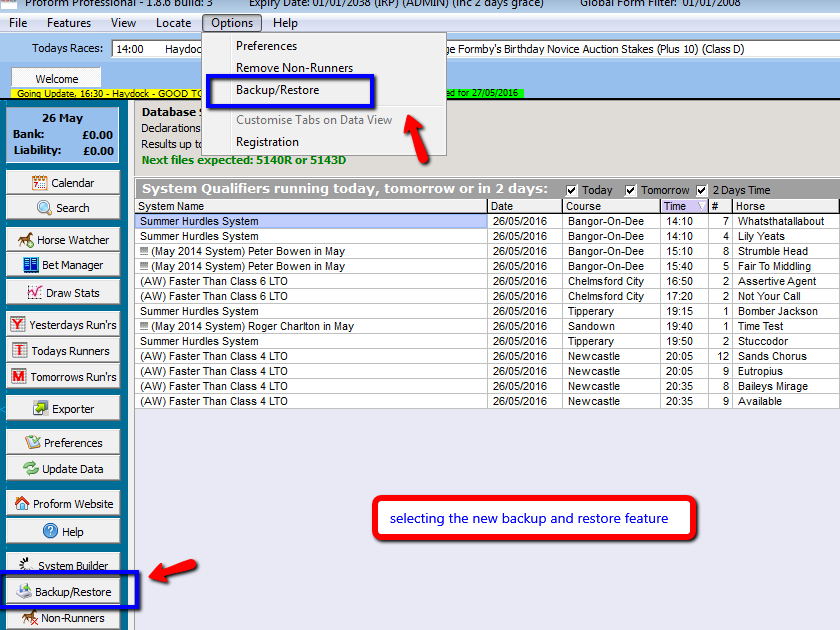
In this release we have added a new backup and restore option which can be found from the options menu at the top or from the feature buttons down the side.
The backup feature looks like this
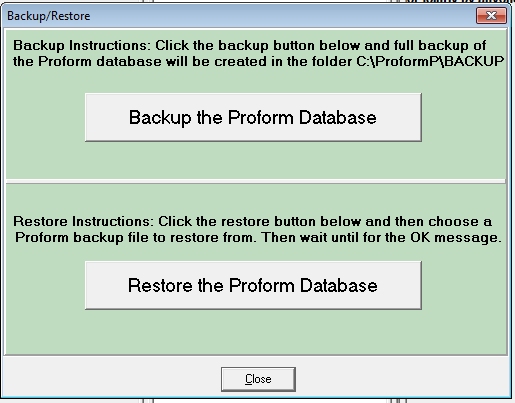
The backup creates a full copy of the Proform database and stores it in the folder C:\ProformP\BACKUP\ and the backup file is called PRODB.bak
The restore asks you to choose Proform backup file created using the backup tool above and then will restore that backup over your database replacing all the data so it is important that you are aware of the date of the backup you are restoring.
This tool is an excellent way of keeping your two copies of Proform up-to-date. i.e. Backup on one computer and then copy over the PRODB.bak file to another computer or memory stick and restore it on that computer.